

Most inventory teams don't fall apart because of a slow decline. They fall apart in an afternoon. A supplier emails that they're pausing shipments, your WMS goes dark during a sync, or a pipe bursts over your fast-movers. The damage isn't the event itself — it's the forty-five minutes where nobody knows who decides what, and everyone waits for the owner to answer a text.
Continuity planning for a small team isn't about thick binders. It's about removing the hesitation. The teams that recover fast have already decided — before anything breaks — who makes which call, at what threshold, and using which script. That's the whole game. Below is how to build that for the three failures that reliably hurt SMBs, and how to make sure the plan actually works when it's 6pm and half your staff has gone home.
Why continuity plans fail at small scale (and it's not what you think)
Big companies fail at continuity because their plans are too complex to execute. Small companies fail for the opposite reason: there's no plan, and the whole thing lives in the owner's head. Which is fine right up until the owner is on a flight, at a trade show, or just underwater with three other fires.
The pattern you see repeatedly is the single-point-of-decision problem. One person knows the backup supplier's rep. One person knows the WMS admin password. One person knows which SKUs you can't afford to stock out on. When that person is unreachable, the team doesn't improvise — they freeze. And freezing during a supplier collapse or an outage is where the real money leaks out.
The second failure mode is thresholds that never got written down. "We'll switch to the backup vendor if things get bad" means nothing at 6pm when someone has to decide whether this is bad enough. Bad enough compared to what? Everyone has a different line in their head, so you get three people arguing instead of one person executing.
The useful version of a continuity playbook does two boring things extremely well: it pre-assigns owners, and it pre-sets numeric triggers. Everything else — the scripts, the checklists — just supports those two.
The three scenarios worth planning for
You can't plan for everything, and you shouldn't try. For most SMBs, three failures cover the overwhelming majority of continuity pain:
Never run out of stock or overorder again.
Listoly streamlines inventory workflows to keep your business stocked and profitable.
- Real-time stock tracking
- Automated reorder alerts
- Supplier and purchase management
No credit card required
| Scenario | How it usually starts | What breaks first | Realistic recovery window |
|---|---|---|---|
| Supplier collapse | Email/call: vendor pauses, raises MOQ 3x, or goes silent | Open POs, inbound forecast, 2–3 core SKUs | Days to weeks |
| WMS / API outage | Sync fails, channel feeds stop, stock counts freeze | Order routing, marketplace availability, picking | Hours to 2 days |
| Facility loss | Water, fire, power event, landlord lockout | Physical access, pick/pack, stored inventory | Days to months |
The reason to separate these is that they run on completely different clocks. A WMS outage is measured in hours and the enemy is oversells. A supplier collapse is measured in weeks and the enemy is a slow stockout you didn't see coming. A facility loss is measured in days-to-months and the enemy is that you can't even touch your own stock. Same team, three very different response speeds.
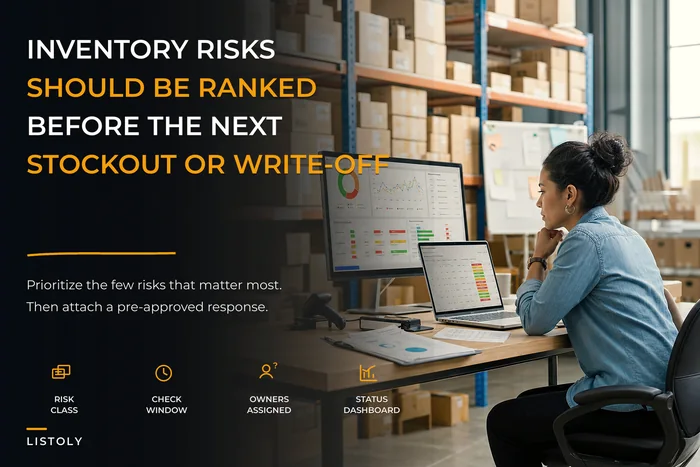
If you've already built an inventory risk register for your operation, these three should be sitting near the top of it. This playbook is what turns those register entries into something a tired team member can actually execute.
Scenario 1: Supplier collapse
The trigger thresholds
The mistake here is waiting for a full collapse before reacting. Suppliers rarely die cleanly — they degrade. Lead times creep, fill rates slip, the rep stops replying as fast. By the time it's obvious, you've already lost your window to source calmly instead of in a panic.
-
Yellow (watch) Fill rate drops below ~90% for two consecutive POs, or lead time extends more than 30% beyond the agreed window.
-
Orange (activate backup) A confirmed PO slips with no new committed date, or MOQ/pricing jumps enough to break your margin math on a core SKU.
-
Red (full pivot) Vendor goes non-responsive for 5+ business days, or formally pauses shipments.
The owner of this call is usually whoever runs purchasing — not the business owner. That's deliberate. Purchasing sees the fill-rate and lead-time data first, so they should be allowed to pull the Yellow and Orange triggers without calling a meeting.
The pre-approved mitigations
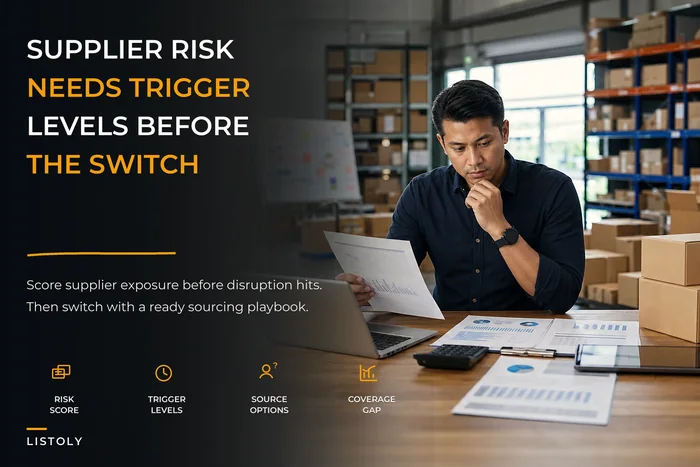
By the time you hit Orange, you should not be finding a backup supplier. You should be placing an order with one you already vetted. This is the single highest-leverage piece of supplier continuity, and it's why supplier contingency planning with scoring and trigger levels matters long before anything breaks. A scored, pre-qualified secondary source turns a three-week scramble into a one-email pivot.
-
Purchasing pulls the pre-qualified backup list for the affected SKUs.
-
Fire the emergency PO template to backup #1 (pricing and terms already negotiated during calmer times).
-
Reserve remaining good inventory of the affected SKU for your highest-margin or highest-priority channel until resupply confirms.
-
Flag affected SKUs in your reorder system so safety-stock math temporarily widens.
-
Owner (purchasing) sends a one-paragraph status to the team
what broke, what's covering it, what's still at risk.
A realistic example
A small housewares seller had one overseas vendor covering about 40% of revenue across six SKUs. The vendor quietly stretched lead times from roughly four weeks to seven, then went dark on a confirmed PO worth around $18k. Because they'd scored a domestic backup months earlier — more expensive per unit, but ready — they placed a bridge order within two days instead of two weeks. They ate maybe $2,400 in higher unit cost on the bridge batch, but avoided stocking out on their two best-selling SKUs during a seasonal bump. The alternative would've been weeks of lost sales plus the long-term hit of marketplace rankings dropping during the stockout.
Scenario 2: WMS or API outage
Why this one is the scariest at scale
A supplier collapse gives you days to think. An API outage doesn't. If your WMS stops syncing available quantity to your sales channels, two things happen simultaneously: you can oversell stock you don't have, and you can stop selling stock you do have because the feed shows zero. Both bleed money, in opposite directions, at the same time.
This gets dramatically worse as you add channels. One sales channel and an outage is annoying. Four marketplaces plus your own store, and an outage during peak hours can generate a wave of oversells you spend the next week apologizing for and refunding.
The decision thresholds
-
Under 30 minutes, low order velocity Hold. Don't touch anything. Most syncs self-recover and manual intervention creates new mismatches.
-
30 min to 2 hours, or high velocity Reduce exposure. Manually throttle or buffer availability on your thinnest-stock SKUs so you can't oversell the ones that matter.
-
2+ hours, no ETA Switch to manual mode. Freeze availability on single-digit-stock SKUs entirely, and start logging orders against a simple shared sheet so you can reconcile when systems return.
The owner here is whoever is closest to the systems and the channels in real time — often an ops lead, not the business owner and not purchasing. Speed beats seniority. The person watching the dashboard should be allowed to throttle without asking permission.
Quick-recovery checklist for a live outage
-
[ ] Confirm scope
is it the WMS itself, the channel API, or one specific integration?
-
[ ] Note the start time — you'll need it for reconciliation.
-
[ ] Identify your at-risk SKUs (low physical stock, high velocity) and protect those first.
-
[ ] Switch new orders to a manual logging sheet if the outage passes the 2-hour line.
-
[ ] Pause any automated reorder or allocation jobs so they don't fire on frozen data.
-
[ ] When systems return, reconcile logged orders before re-enabling automation.
That last step is where most teams get burned. Systems come back, everyone exhales, and automation fires reorders based on counts that were frozen during the outage. Reconcile first, re-enable second.
Scenario 3: Facility loss
The failure nobody wants to rehearse
Losing access to your space — water damage, fire, power, a landlord dispute — is the one people skip because it feels unlikely. But it's also the one with the longest recovery clock and the most dependencies. You're not just down physical stock; you've lost your ability to pick, pack, and ship at all.
The core insight here is that facility loss is really an access and relocation problem, not an inventory problem. Your stock might be completely fine. You just can't get to it, or you can't operate where it is. So the plan is less about the goods and more about one question: where do orders get fulfilled from tomorrow morning?
Pre-approved mitigations
-
Fulfillment fallback Know in advance whether you'd shift fulfillment to a second location, a 3PL on standby, or temporarily pause specific channels. Decide this before you're standing in a flooded room.
-
Access list Keep an off-site copy of who to call — landlord, insurance, utility, and your WMS admin — so a single unreachable person doesn't stall everything.
-
Inventory snapshot The last good count matters enormously here. If your counts live only on machines inside the building, you've lost your map. This is one more reason cloud-based records beat spreadsheets on a local drive.
The relocation decision
| Situation | Likely best move |
|---|---|
| Short outage (power, under ~48h), stock unharmed | Pause shipping, communicate delays, wait it out |
| Space unusable but stock recoverable | Relocate critical SKUs to backup/3PL, resume partial fulfillment |
| Stock damaged or unreachable long-term | Activate backup supplier and alternate fulfillment, triage by margin |
The owner for a facility event is genuinely the business owner or a designated deputy — this is the one scenario where the big calls (insurance, lease, relocation spend) sit above the ops team. But the first hour — securing the space, grabbing the snapshot, calling the standby 3PL — should be delegated and written down so it happens whether or not the owner is reachable.
Building the owner matrix (the part that actually makes it work)
A continuity plan without named owners is just a wish list. For each scenario, write down four things on one page:
-
Who declares it. The single person allowed to say "we're activating the supplier-collapse plan." Name a primary and a backup.
-
Who executes. The person running the scripts above. Often different from who declares.
-
The threshold. The specific number or condition that triggers action — fill rate, outage duration, hours of access lost.
-
Who gets told. The one-paragraph status update, and where it goes.
Keep this to a single page per scenario. If it's longer, nobody reads it at 6pm. The entire point is that a stressed team member can open one sheet and know exactly what they're allowed to do without texting the owner first.
Rehearsing without wasting a day
Plans that never get tested are fiction. But SMB teams can't afford elaborate drills, so keep rehearsals short and cheap — a 20-minute tabletop each quarter is plenty.
-
Pick one scenario. Announce it cold
"WMS went dark ten minutes ago, Mike's on vacation."
-
Ask the team to walk through — out loud — who does what, in order.
-
Time the gap between "it happened" and "someone took the first real action." That gap is your actual exposure.
-
Note every place someone said "I'd have to check with..." — each one is a single-point-of-decision to fix.
-
Update the one-pager. Done.
What you're really testing is whether the thresholds and owners hold up when a key person is missing. The first time you run this, you'll find at least one script that only works if a specific person is in the room. That's the finding. Fix it, and the next rehearsal gets boring — which is exactly what you want.
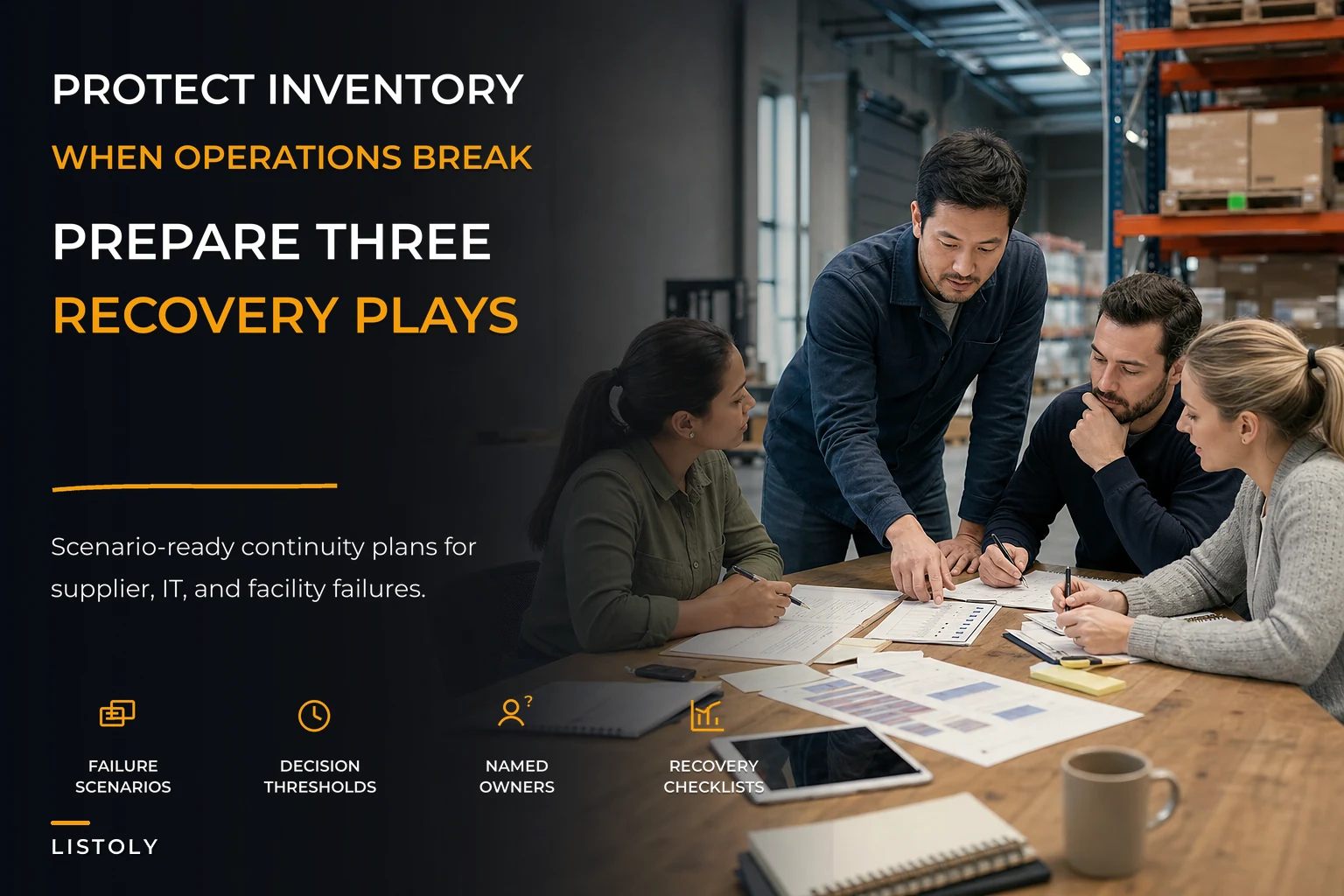
Here's a simple visual workflow you can use to show the team what a 20-minute tabletop should look like.
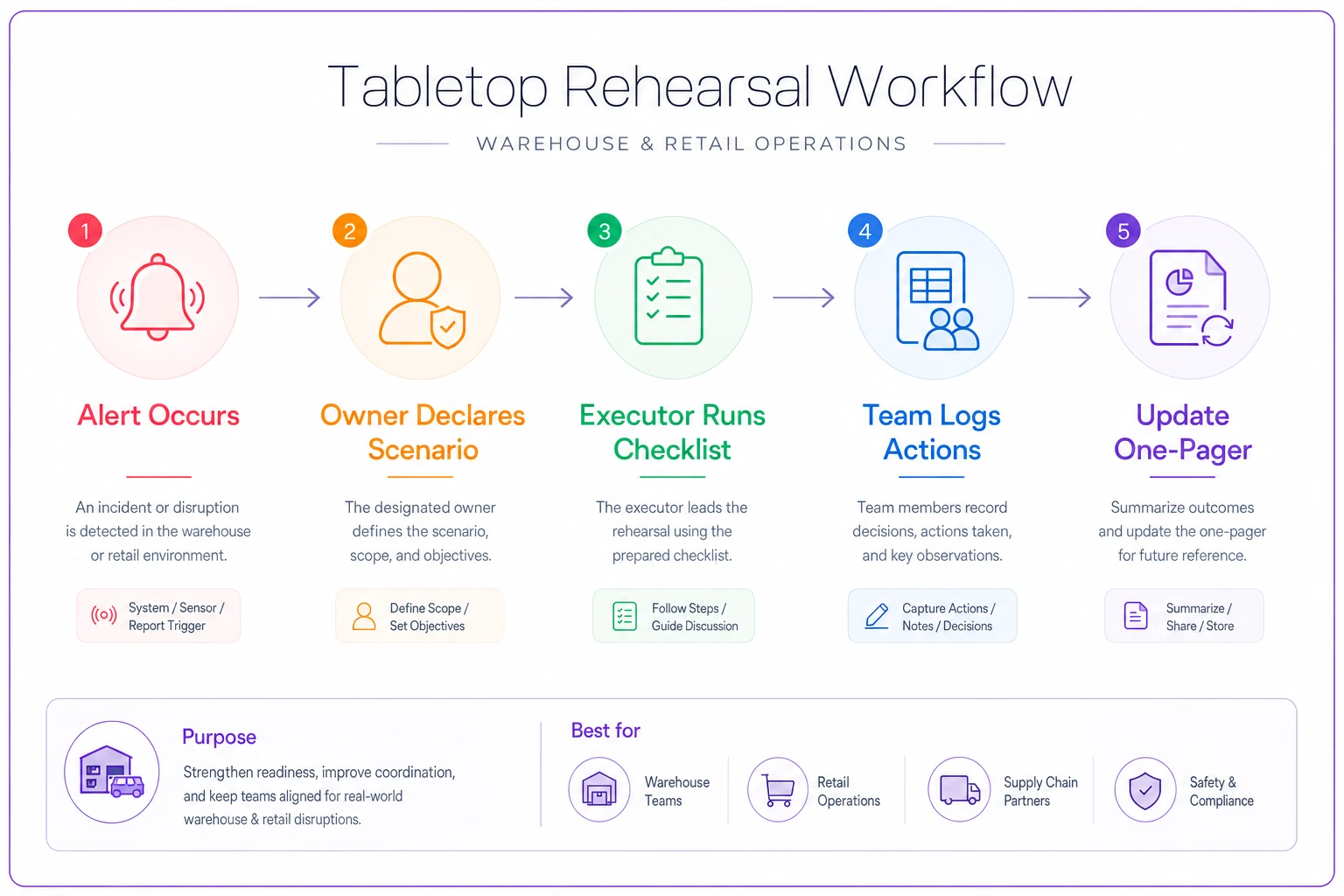
Use this image during the run and then archive the one-pager with the rehearsal notes.
When this level of planning is overkill (and when it isn't)
If you're a single-location shop with one steady supplier and under a hundred orders a week, you don't need all three playbooks fully built. Start with the scenario that would hurt most — usually supplier collapse — and keep the rest as a half-page of notes.
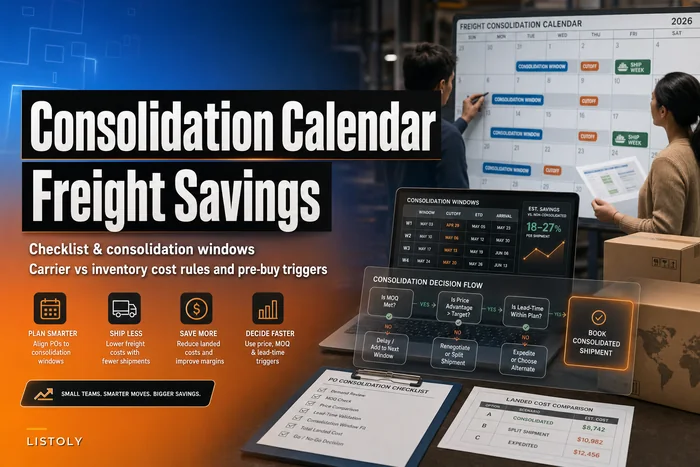
Where it becomes non-negotiable is once you're running multiple sales channels, more than one location, or enough order volume that a two-hour outage means real oversells. At that point the coordination load is past what one person's memory can hold, and the cost of hesitation scales with your volume. The freight and timing dependencies get tangled too — if you're already juggling a freight calendar and PO consolidation across suppliers, a supplier collapse ripples into your inbound schedule in ways you want pre-mapped.
A note on where your data lives
None of these playbooks work if your inventory truth lives on a laptop in the building that just flooded, or in a spreadsheet only one person knows how to read. The quiet enabler behind every scenario above is having current counts, open POs, and channel availability in one place you can reach from anywhere.
That's less about any specific tool and more about the principle: your last good inventory snapshot, your supplier list, and your open-order status need to survive the event. Cloud-based inventory records with sensible automation help here — not because automation saves the day during an outage (you'll often pause automation mid-crisis), but because a centralized, accessible record is what lets a backup person step in and execute without the primary owner in the room. The goal is a system where the plan doesn't depend on any one human being reachable.
The real point
Business continuity for a small inventory team isn't about predicting disasters. It's about removing the decision-paralysis that turns a manageable event into an expensive one. Supplier collapse, system outage, facility loss — they all share the same cure: decide the owners and thresholds in advance, write the scripts on one page, and rehearse until the response is boring.
Start with the scenario that scares you most. Write the one-pager this week. Name the owners, set the numbers, and run a twenty-minute tabletop before the month ends. You'll find your gaps fast, and you'll close them long before the afternoon when the email arrives, the sync fails, or the pipe bursts over your best-sellers.
Ready to optimize your inventory operations?
Join 2,000+ businesses using Listoly to reduce stockouts, save time, and improve order accuracy.